AI training your team will actually use.
Hands-on AI training for owners and staff across South-East Queensland. It's built around the work your team already does, so AI lightens the load instead of adding to it, safely and in their real jobs, not a demo.
Your team is already using AI. Safely?
The time savings are real, and so are the risks. Training gives your team one approved tool, a simple policy and the skills to use it well.
84%
30%
48%
~1 hr
Four ways
to learn.
Mix and match. Most teams start with a workshop and a policy, then add coaching for the people who want more.
- Groups
Team workshops
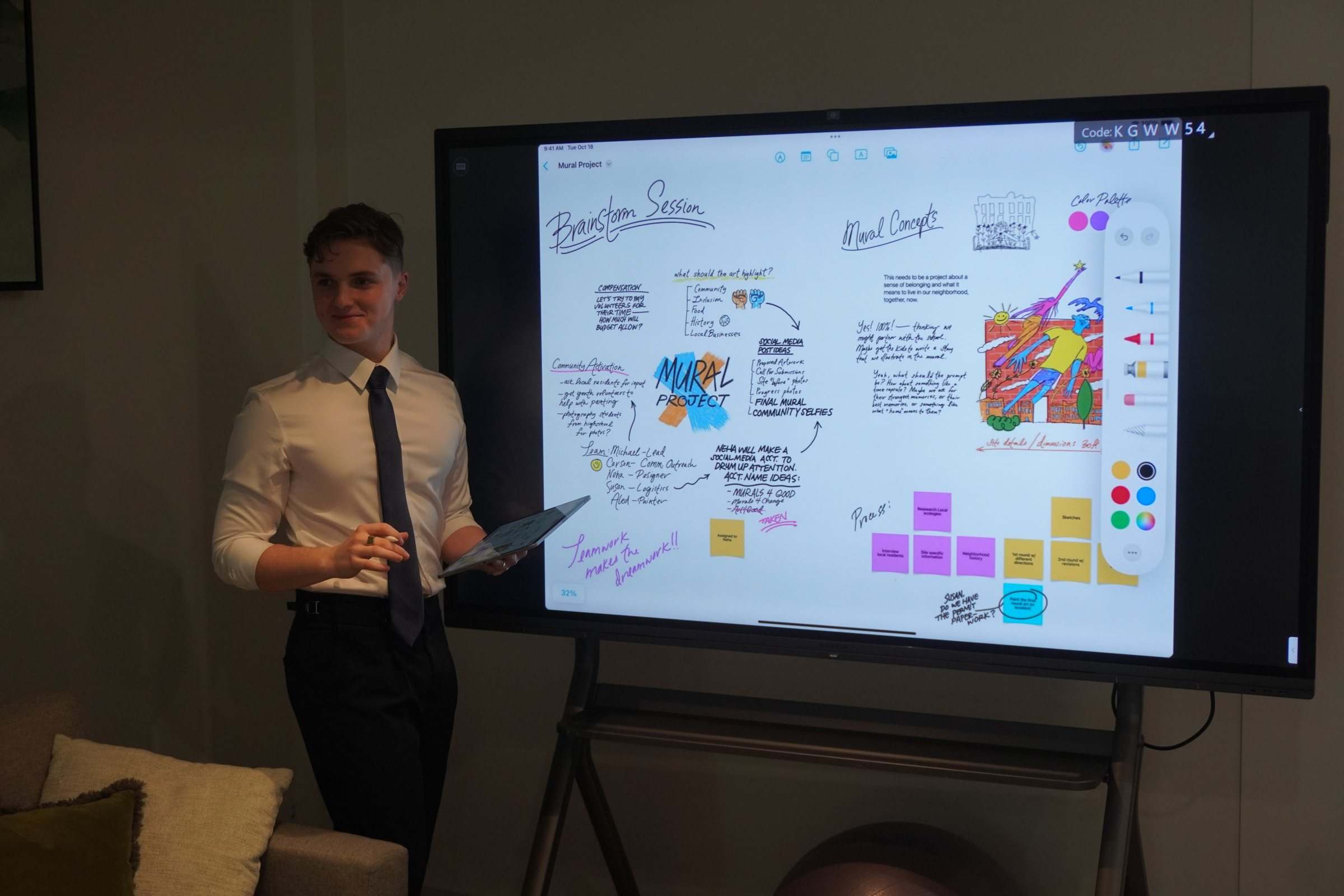
Hands-on sessions at your practice, office or site. Everyone brings real tasks from their week, like patient emails, file notes or quotes, and leaves having done them with AI. We can record them for new starters.
- 1:1
One-on-one coaching
For owners, practice managers and partners who want to go further. We work through your own inbox, reports, letters and the decisions only you make.
- Rules
A one-page AI policy
Which tools are approved, what must never go into them and who to ask. Written with you, in words your team will read.
- Yours
Your own AI assistant
We set up an AI assistant that knows your templates, procedures and house style, so your team gets answers that sound like your business from day one.
- The step up
Your business’s AI brain
One step beyond an assistant. We connect AI to your documents, systems and processes so it understands how your business runs. It answers your team’s questions, powers your automations from one place and gets sharper as your business grows. We run Z&Z on one.
Less theory.
More doing.
Every session is built around your business. The length depends on your team and what you want them to be able to do.
- Before
We learn how your team works
A short chat about the jobs that take the most time, the systems you use and anything that must stay private.
- Start
What AI is good at, and what it isn’t
A quick tour of where it saves time, where it makes things up, and how to tell the difference.
- Hands on
Your real work, done with AI
A treatment summary from rough notes, a reply to a tricky client email, this month’s numbers pulled into one page. Everyone practises on tasks from their own week, with us beside them.
- Safety
The rules, made simple
We go through your one-page policy together: approved tools, what never goes in, and how to check the output.
- After
Notes, recording and follow-up
A cheat sheet of the prompts and processes that worked for your business, the recording if you want one, and a direct line to us for questions afterwards.
Who it suits.
If your team writes, answers, books, quotes or reports, there's time to win back.
Dental and allied health
Front desk teams answering patient emails faster, practitioners drafting referral letters and treatment summaries, all without risking patient privacy.
Law and accounting
Summarising long documents, drafting first-pass letters and file notes, and pulling key dates out of a contract, with client confidentiality kept intact.
Practice managers and office teams
Rosters, meeting notes, monthly reports and the questions that land on whoever sits nearest the phone.
Trades
Quotes from site notes, tidy follow-up emails, job summaries and safety paperwork from a voice memo.
Afterwards, your team can:
Read our guide: is it safe to use ChatGPT with client information? →- Use your approved AI tool with confidence, every day
- Turn rough notes and voice memos into finished letters, summaries and quotes
- Write a clear prompt and fix a weak answer
- Check AI output before it reaches a patient or client
- Keep client and patient information out of the wrong tools
- Know who to ask when they’re unsure
Training questions
Still wondering about something? See all questions or ask us directly.
Is it safe to put client information into AI?
It can be, on the right plan with the right setup. Business plans from the main providers don't use your data to train their models by default, while free personal accounts may. The Office of the Australian Information Commissioner recommends not entering personal information into publicly available AI tools (OAIC guidance, 2024). We choose the right plan, set it up right and give your team a one-page policy, so patient and client details stay protected.
Source: OAIC guidance, 2024
Do I need to know anything about AI before we talk?
No. Plenty of the owners and practice managers we talk to have barely used ChatGPT. Bring the question you've been meaning to ask, and we'll start from where you are.
My team isn't technical. Can they learn this?
Yes. We teach using the work your team already does, like patient emails, file notes and client letters, so AI lightens their load rather than adding to it. If someone can send an email, they can learn to use AI well.
Do we need an AI policy for staff?
If your team uses AI at work, yes. A short policy says which tools are approved, what must never go into them, like patient records or client files, and who to ask when unsure. Only 30% of Australian employees say their organisation has a generative AI policy (KPMG and University of Melbourne, 2025). We write a one-page version with you as part of training.
How long does training take?
It depends on your team and what you want them to be able to do. Some practices want one hands-on workshop. Others prefer short regular sessions, or one-on-one coaching for the practice manager or partners. We tailor a plan after the free chat, and we can record sessions so new starters can catch up.
Can I trust what AI writes?
Not blindly, at least not initially. AI can sound confident and still be wrong. We can train it to match your business's style, teach your team how to check its work, and where it matters set up tools that show where answers come from. That step often gets skipped. Only about half of Australian small and medium businesses using AI check its output before it affects customers (National AI Centre, December 2025 to February 2026).
Source: National AI Centre, 2026
Which AI tool should we use, ChatGPT, Copilot or Gemini?
The one that fits how your business already works. Copilot sits inside Microsoft 365, Gemini inside Google Workspace, and ChatGPT is a strong all-rounder. We pick the right one and set it up once, rather than you paying for three. From there, we can turn it into an AI assistant that knows your templates and house style, or step up to an AI brain connected to your documents and systems.